

 Udemezue John

You’re a few months into freelancing or running your own small business. The work is flowing, clients are mostly happy, and the money is coming in. But behind the scenes, there’s a mess waiting to explode.
A half-remembered hourly log from three weeks ago.
Make sure to subscribe to this article
A pile of receipts is fading in your glovebox. An invoice you forgot to send because you didn’t note down the extra revision the client asked for.
Maybe you still do it all manually — sticky notes, spreadsheets, and bank statements scanned at midnight.
It feels manageable until it’s tax season or a client questions a bill, and suddenly you’re hunting through months of chaos, wondering where $600 went.
The truth is, your business runs on three invisible pillars: time, money, and the paper trail that connects them. If you don’t have a simple, reliable system to track those, you’re not just disorganized.
You’re giving away income, missing deductions, and burning hours on admin that will never pay you back.
This post runs through the apps that actually fix that. I’ve personally tested most of these over the last six years while running a remote business, and I’ll be straight about what each one does well — and where they fall short.
Why you need dedicated tools (and not just a notebook)
It’s tempting to keep things “simple” by jotting down hours in a Google Doc or using a basic spreadsheet for invoices. And if you only have one client who pays the same rate every month, that might work for a while.
But as soon as you add a second project, different billing methods, or anything expense-related, that homemade system starts costing you.
Here’s what usually gets lost:
- Rounding errors. People who don’t track real-time often guess. Guessing almost always leans in the client’s favor, not yours. Fifteen minutes here and there adds up to thousands of dollars a year.
- Expenses you forget. That quick stock photo purchase, the domain renewal, the PayPal fee — small numbers that eat your profit but never make it into a tax write-off because you didn’t log them.
- Late payments. Without automated invoice reminders and clear records, clients drift. A polite follow-up that a system sends for you is often the difference between getting paid in 14 days or 45 days.
- Tax-time panic. When the end of the year hits, you shouldn’t be rebuilding six months of business records from memory. A good set of apps keeps your data clean year-round, so filing taxes takes an afternoon, not a week of stress.
Software isn’t about making things complicated. It’s about freeing your brain to do the work you actually get paid for.
How to pick the right app combination
Before we dive into names, let’s set a few ground rules that matter more than brand names.
1. One tool vs. separate specialists
Some all-in-one platforms promise to handle time, invoices, and expenses in a single dashboard. That can work beautifully if you’re a solo operator who wants minimal friction. But often, the “best” expense tracker is not the best invoicing tool. I recommend starting with a clear idea: do you want convenience or do you need more depth in one area? When in doubt, pick the best tool for your biggest pain point and let the rest fill in around it.
2. Integration is non-negotiable
Whatever you use should talk to the other pieces of your business. If your time tracker can’t push hours straight into an invoice, you’re still doing manual data entry. Many of the apps below integrate with accounting software like QuickBooks or Xero, plus payment gateways like Stripe and PayPal. That connection is the difference between a system and a pile of apps.
3. Free isn’t always free
Several tools offer a generous free tier, but watch the limits. A free plan might cap the number of clients, invoices, or expense scans per month. That’s fine for a beginning freelancer, but you’ll want to know when you’ll need to upgrade. I’ll call out those limits so you’re not surprised.
Best time tracking apps
Time tracking can feel like micromanaging yourself, but the right tool runs quietly in the background. These apps go far beyond a stopwatch.
Toggl Track
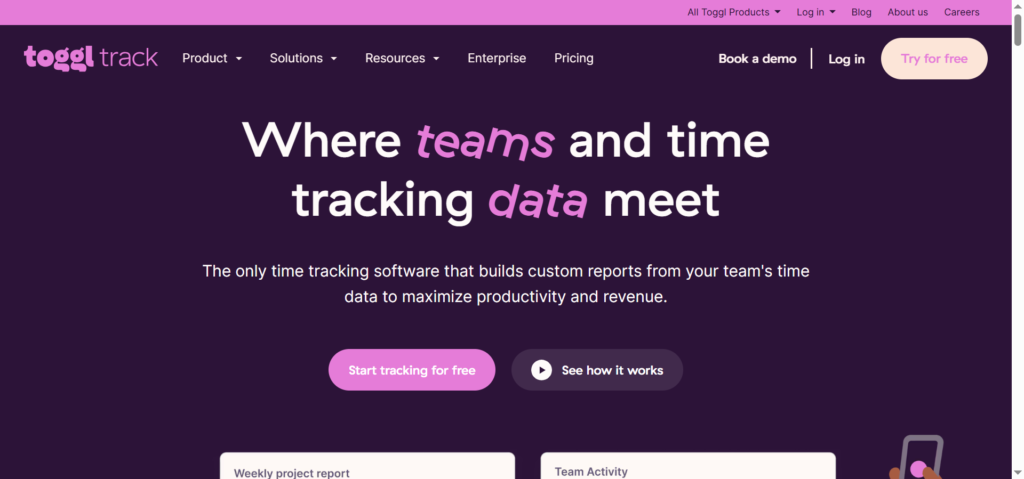
Toggl’s time tracker is the lightweight champion. You hit a button, type what you’re working on, and assign it to a project and client. A browser extension and mobile app keep it within reach without being annoying. The free version gives you unlimited tracking, reports, and exports. Paid plans add features like billable rates, saved report templates, and a timeline view that reconstructs your day so you can assign untracked blocks.
What makes Toggl stand out is how little it gets in your way. It’s perfect if you hate time tracking and need something that feels invisible until you need the report.
Clockify
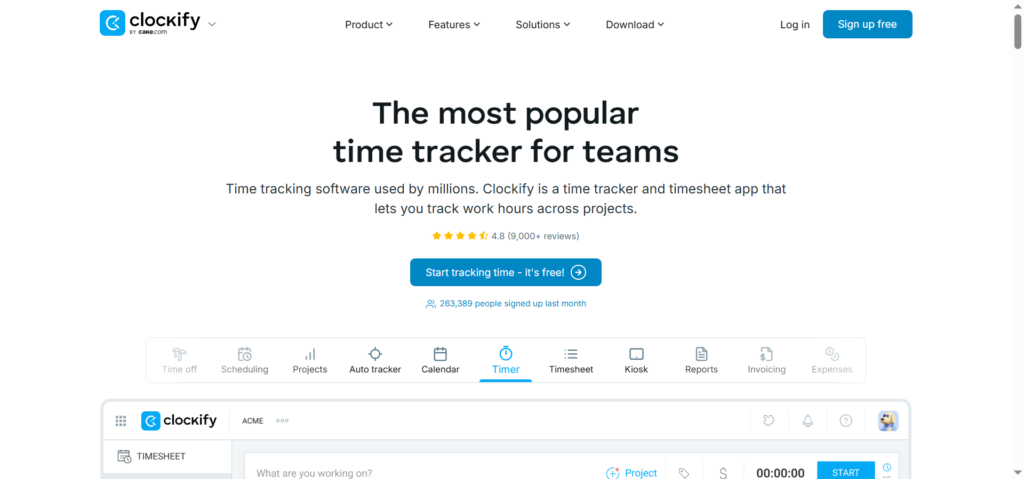
Clockify has a similar interface to Toggl but pushes harder into team features on the free plan — you can add unlimited users, which is rare. For a solo freelancer, it covers time tracking, project dashboards, and basic reporting at no cost. For a small agency, it’s an affordable way to see what the whole team is doing without a per-seat price jump. The invoice module isn’t as polished as dedicated tools, but you can export time entries to CSV and pull them into your invoice system.
Harvest
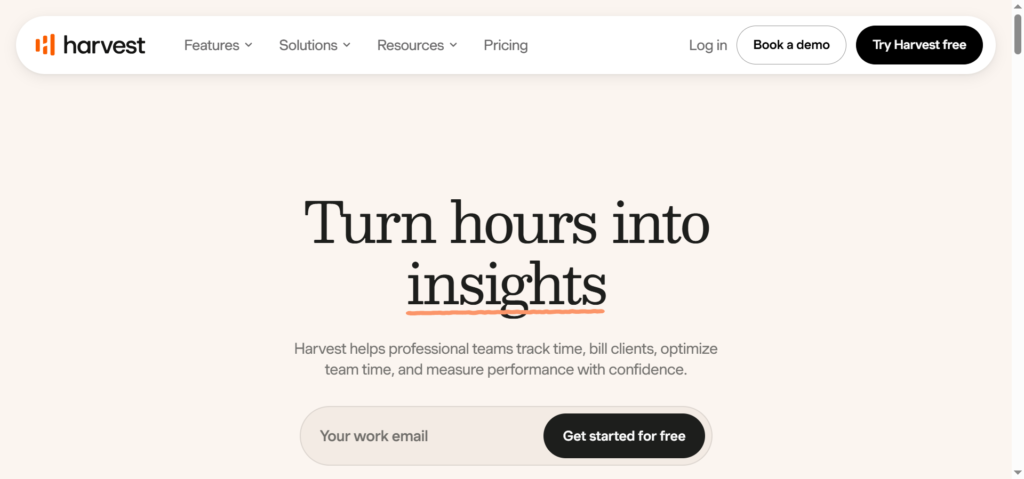
Harvest combines time tracking with simple invoicing and expense entry. It’s more expensive than the others, but the killer feature is the seamless flow: track time, mark it billable, and turn it into an invoice with two clicks. It also integrates directly with project management tools like Asana and Trello. If you’re a project-based consultant who needs clean time records tied straight to billing, Harvest is worth the monthly cost.
Timely
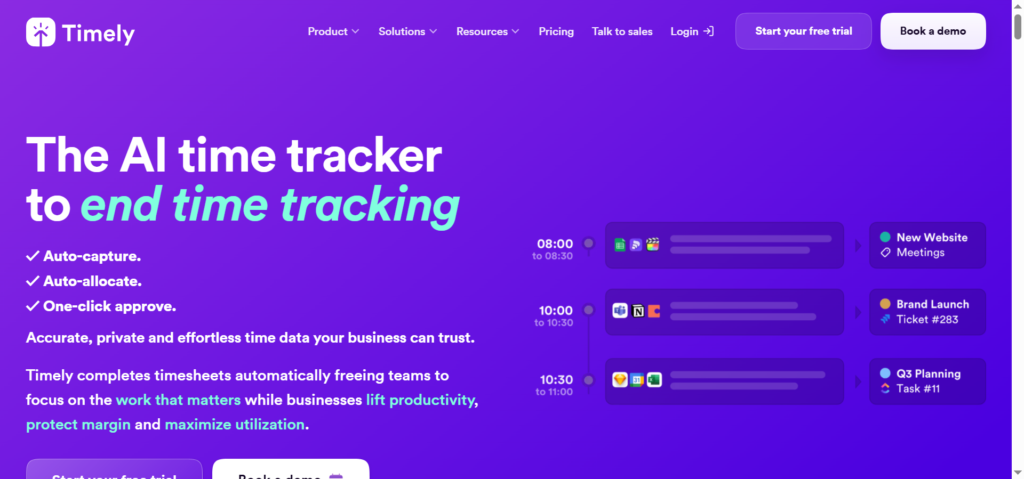
Timely takes a different approach. Instead of you starting and stopping timers, it records what you work on in the background (with privacy controls) and drafts a timesheet for you. It’s best for people who constantly forget to track time and are willing to pay a premium for AI-automated suggestions. Timely is pricey, but for high-earning contractors who lose billable hours weekly, the return on investment is immediate.
Best invoicing apps
An invoice is more than a payment request. A good invoice system sets expectations, makes it easy for clients to pay, and gently chases late payments without you having to send awkward emails.
FreshBooks
FreshBooks has been around for a long time and still sets the standard for solo operators who want invoicing that looks professional and takes almost no time to create. Recurring invoices, automatic late-payment reminders, and a client portal where customers can see their history and pay by credit card are all in the basic tier. Expenses can be tracked here too — snap a photo of a receipt, attach it to a client project, and mark it billable. FreshBooks gets expensive as you add more billable clients, so keep an eye on the plan limits.
Wave
Wave’s invoicing is truly free. No matter how many clients or invoices you send, the core invoicing and accounting features cost you nothing. They make money from payment processing and payroll services. For a freelancer or micro business watching every dollar, Wave is a solid starting point. Invoices look clean, you can set up recurring billing, and the dashboard gives a real-time view of overdue payments. The downside is that it’s built primarily for North American businesses, and some banks outside the US and Canada won’t connect smoothly.
Zoho Invoice
Zoho Invoice is part of the larger Zoho suite and is free for small businesses — no hidden catches. You get multi-currency invoicing, time tracking built in, expense management, and a client portal. It integrates with Zoho Books for accounting if you grow. If you want a single tool that handles time, invoices, and expenses without forcing you into a paid plan from day one, Zoho Invoice is surprisingly capable.
Invoice Ninja
Invoice Ninja offers a self-hosted option, which appeals to tech-savvy freelancers who want full control over their data. But the cloud-hosted paid plans are also reasonable and packed with features: project-based billing, partial payments, expense tracking, and proposal tools. The free cloud version is usable but limited to a small number of clients. If you’re on a budget but need more customization than Wave offers, it’s worth a look.
Best expense tracking apps
Expense tracking can’t just be a folder of PDFs you ignore until tax day. The best tools grab data from your accounts and receipts, categorize it, and make it easy to see where your profit is really going.
Expensify
Expensify built its reputation on automatic receipt scanning and corporate expense reports, but it works just as well for a freelancer. Forward a receipt email or snap a photo with your phone, and it reads the vendor, amount, and date. It can also import bank transactions. From there, you build expense reports that can be emailed to an accountant right from the app. The free plan for individuals is decent, but serious users will want the paid tier for unlimited smart scanning and syncing.
QuickBooks Self-Employed
QuickBooks Self-Employed connects to your bank, pulls in transactions, and separates business from personal spending with a swipe. It also estimates quarterly taxes, which is a huge bonus in the US. The receipt capture feature is simple but effective. This is not a full accounting tool, but for a freelancer or independent contractor, it fills the gap between “no system” and “hiring a bookkeeper.” The monthly cost is low enough that the tax-cleaning time it saves is worth it almost immediately.
Xero
Xero is a full small-business accounting platform with powerful expense management built in. Receipts can be photographed and matched to bank transactions. It handles multi-currency, purchase orders, and fixed assets. Xero is overkill for a one-person shop with only a few expenses a month, but if your business involves inventory, subcontractors, or international payments, it’s a robust backbone. The learning curve is steeper than the other tools here, but once you’re set up, your accountant will love you.
Wave (again)
Wave’s free accounting side includes expense tracking, bank connections, and receipt uploads. For a freelancer who doesn’t want to pay for two separate systems, Wave’s combination of invoicing and expense management under one roof is hard to beat. The main catch is limited customer support on the free tier. If you’re comfortable troubleshooting on your own, it’s a quiet workhorse.
All-in-one solutions that cover all three
Sometimes you want one app that handles time, invoices, and expenses without stitching together three different services. These platforms aim for that.
Bonsai
Bonsai is built exactly for freelancers. It covers proposals, contracts, time tracking, invoicing, expenses, and even basic accounting reports. You write a proposal, the client signs the contract, you track time, and then generate an invoice from the tracked hours — all inside the same system. Bonsai also automatically reminds clients to pay and charges late fees if you set that up. The workflow feels tailored to a solo creative or consultant, not a generic business app. Paid plans start affordably and scale based on features, not client count.
Indy
Indy is a younger but fast-growing competitor to Bonsai. It packs proposals, contracts, time tracking, invoices, and a project dashboard into a single clean interface. The free tier is generous, making it an attractive starting point. It’s not as feature-dense as Bonsai yet, but if you need a clean, uncluttered system and want to avoid paying for several subscriptions, Indy covers the essentials without pushing you to upgrade every week.
Fiverr Workspace (formerly AND.CO)
Fiverr Workspace came from the old AND.CO platform and is geared toward the one-person business. It offers time tracking, invoicing, expense tracking, and even simple task management. The free plan covers basic invoicing and time logging. The paid plan pulls in more advanced reporting and contract templates. If you’re already on Fiverr’s ecosystem, the integration is nice, but as a standalone it’s a decent lightweight option.
Setting up a workflow that saves you hours
Picking the apps is step one. Making them work together is where the time savings exist.
Automate what you can
Connect your time tracker to your calendar so meetings turn into time entries automatically. Set up recurring invoice profiles for retainer clients. Use bank feeds that pull transactions daily, not monthly. Every manual step you remove is 30 seconds saved per day that turns into evenings you’re not stuck doing admin.
Decide on a weekly “money date”
Even with great apps, you need a 20-minute slot once a week to review time entries, catch untracked blocks, match receipts, and queue up invoices. Book it like a client meeting. This habit prevents the end-of-month scramble and ensures you never send a bill two weeks late because you “forgot about that small project.”
Keep categories simple
Over-categorizing expenses creates extra work with no benefit. A few broad categories — software subscriptions, office supplies, client-related costs, travel — will satisfy tax requirements and give you enough insight into where money leaks. You don’t need 35 subcategories unless your accountant specifically asks for them.
Common mistakes that eat your income
- Not tracking all your time. Emails, quick calls, file prep — if it’s for the client, it’s work. Track it or agree on a minimum charge that covers those small touches.
- Letting unpaid invoices age. The longer an invoice sits, the less likely it is to be paid quickly. Set automatic reminders at 7, 14, and 21 days. Don’t make it personal; let the app do the nagging.
- Mixing personal and business expenses. If you scan a receipt into the wrong category once a month, by year-end you have a mess. Use a separate business bank account and let your expense app pull from that only.
- Chasing features you never use. A complicated tool becomes digital clutter. Start with the simplest plan that covers your reality, not the “what if I hire a team of fifty” fantasy.
Frequently asked questions
Can I use one app for time, invoices, and expenses or do I need three separate tools?
A single app like Bonsai, Indy, or Zoho Invoice works well if you want a unified system from day one. However, if one specific area matters more — say, sophisticated expense reports — you may want to pair a dedicated expense tracker with a separate invoicing and time tool. The key is making sure they integrate, either natively or through Zapier.
What’s the best free option when money is tight?
For a completely free start, Wave handles invoicing and basic expense tracking, and Clockify or Toggl track time for free. Zoho Invoice also combines all three at no cost. The free plans will have some limitations, but they are genuinely usable for a solo freelancer.
I charge per project, not per hour. Do I still need time tracking?
Yes, but for a different reason. Tracking time per project, even if you bill flat-rate, reveals your effective hourly rate over time. That number tells you which clients or projects are profitable and which ones are draining you. Without it, you’re pricing blind.
How do these apps help with taxes?
Expense apps categorize deductible costs and store receipts digitally, which is often accepted by tax authorities. Some, like QuickBooks Self-Employed, estimate quarterly taxes directly. Time-tracking and invoicing records create a paper trail that protects you if you’re ever audited. Clean records also make your accountant’s job faster, which saves you money on professional fees.
Are there any privacy concerns with auto-tracking apps like Timely?
Timely and similar tools process data locally and anonymize what’s shared. They don’t record keystrokes or capture screen content unless you specifically enable monitoring. Still, review the privacy policy before you install something that records your activity. For most client work, transparency is simple: tell the client you use a tracking tool for accurate billing, and they’ll rarely object.
Building a system that protects your business
When I talk to freelancers who are struggling to stay profitable, the issue rarely turns out to be talent or pricing. More often, there’s a slow leak in the background — unrealized expenses, unbilled chunks of time, invoices that are sent weeks late.
That leak gets patched up not by working harder, but by putting a few solid tools in place and forming a simple weekly routine.
Time tracking apps protect your most limited resource from disappearing without payment. Invoicing apps make sure you actually collect what you’ve earned without chasing clients manually. Expense apps turn scattered receipts into real tax savings and a clear picture of where your money goes. You don’t need the fanciest subscription or the most complicated platform. You just need a setup you’ll actually use.
Start with the biggest hole in your current process. Maybe that’s not logging small tasks. Maybe it’s having zero idea what your monthly expenses total. Pick the app that fixes that specific problem and commit to one month of consistent use. Then, once that piece feels automatic, layer in the next.
Your freelance business deserves the same respect any larger company gives its finances. The right apps aren’t just about staying organized — they’re about keeping more of the money you work so hard to earn.
Which part of your freelance admin process causes the most friction right now — tracking time, sending invoices, or managing expenses?



Not sure I completely agree with the conclusion, but good points made.
Looking forward to the follow-up post on this topic!